Anniversary photo bingo
An anniversary is a look back on many years. Photo bingo turns that into a game, with photos from all those years on the bingo cards. With PhotoBingo you make the cards and the draw screen yourself.
Create your anniversary bingo
For every anniversary
- Wedding anniversary (silver, ruby or golden): photos of the wedding day, the kids, holidays.
- Work anniversary or 25 years of service: photos of the colleague through the years.
- Anniversary of a company, school, sports club or society: photos from its history.
How it works
- Upload your photos. They stay on your own computer and are never uploaded.
- Choose the card size (3 × 3, 4 × 4 or 5 × 5), the number of cards (up to 200) and an optional free space or start photo in the middle.
- Download the unique bingo cards as a PDF and print them on A4 or US Letter.
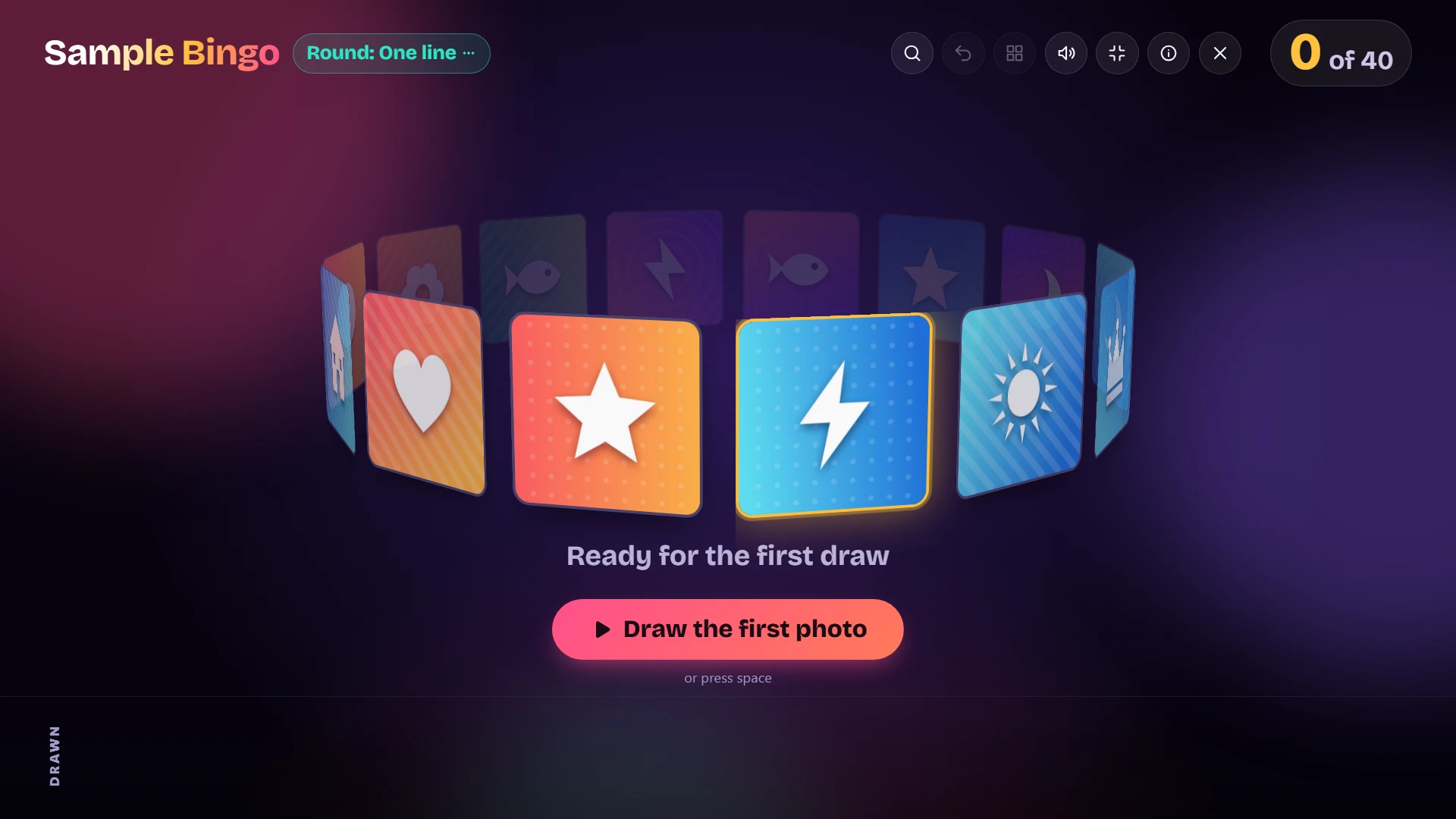
- Put the draw screen on the TV or projector and draw the photos one by one, with suspense and sound.
- Someone shouts “bingo!”? Type in the card number and see instantly if it’s right.
Tips
- Show the wedding photo or an old picture as the opening image, with a caption like “50 years married!”.
- Choose a photo of the couple or the person celebrating as the start photo in the middle of every card.
- Old prints? Take a picture of them with your phone and use that.
Try it for free
Start right away for free, with nothing to install and no subscription. Try the game with sample photos and see how the cards and the draw screen work.
Frequently asked questions
What is photo bingo?
Photo bingo is bingo with pictures instead of numbers. Each player gets a card with photos, for example of the birthday person, the couple or colleagues. The photos are drawn one by one; the first to complete a line or a full card shouts bingo.
How many photos do I need?
At least 9 for a 3 × 3 card, 16 for 4 × 4 and 25 for 5 × 5. More photos make the cards more varied and the game more exciting. For a group of 20 to 40 players, 30 to 50 photos is ideal.
Are all bingo cards different?
Yes. PhotoBingo makes every card unique and gives it a card number, so you can check a winner in seconds.
Are my photos uploaded to the internet?
No. PhotoBingo runs in your browser and your photos stay on your own computer. They are not sent to a server.
Do I need to install an app?
No. PhotoBingo works in the browser on a laptop or computer. You only need a printer for the cards and a TV or projector for the draw screen (a laptop screen works too).